

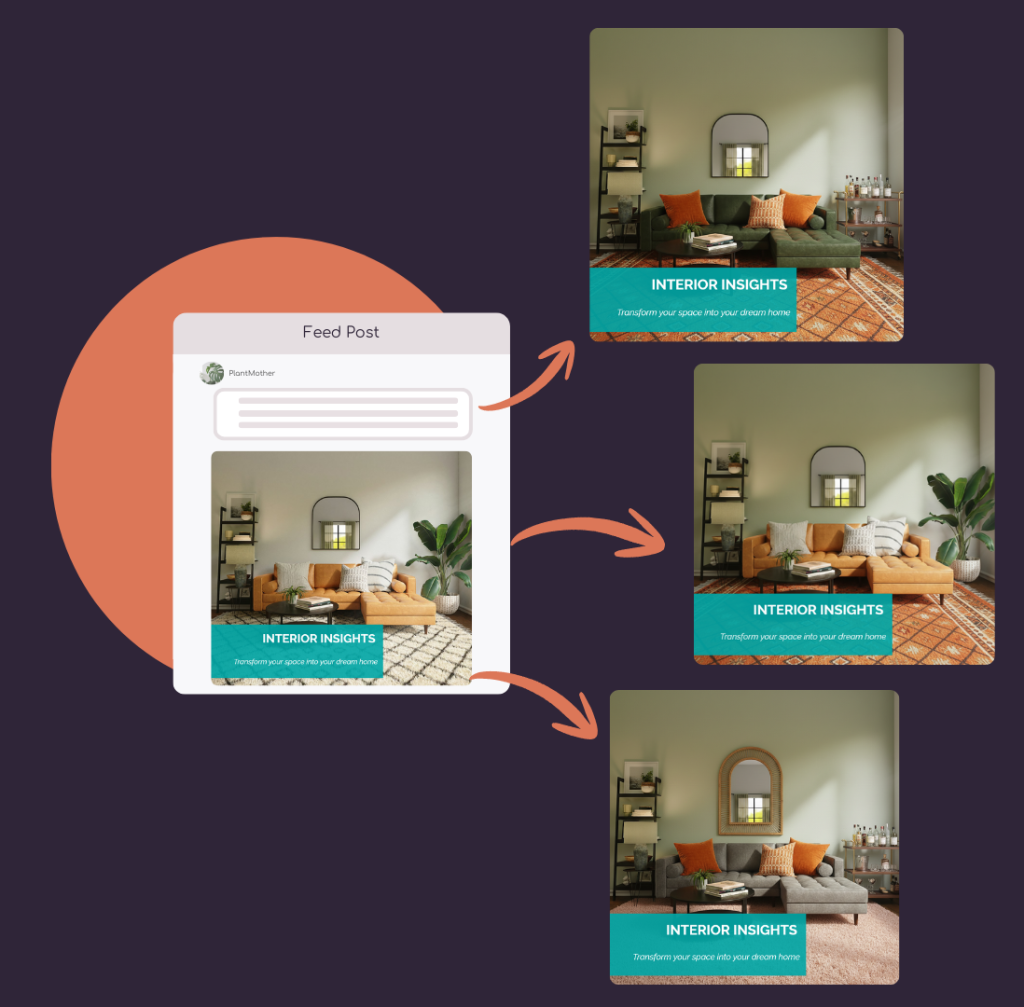
AI Powered Image & Video Editing

Transform visuals with simple prompts or reference photos.

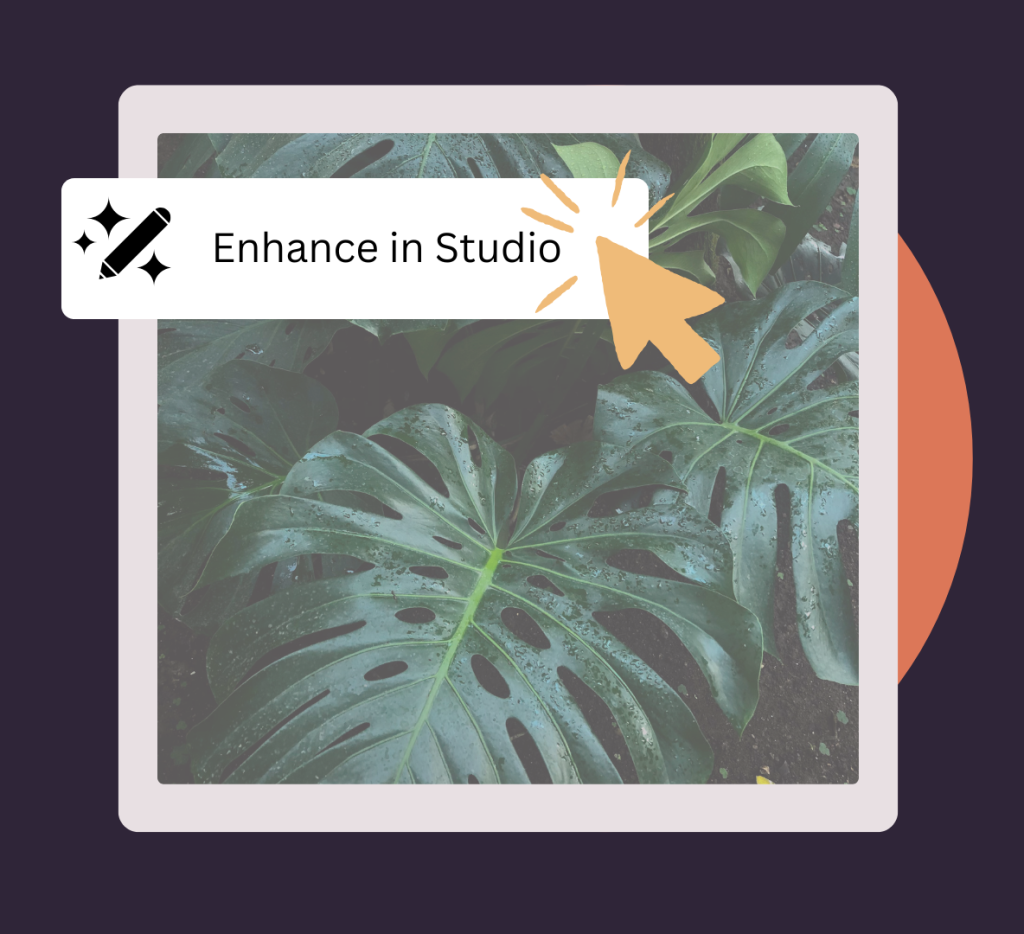
Unleash the power of AI Editing with Tufa. Edit existing images, apply creative changes with text prompts, or convert static images into dynamic videos effortlessly.

Your AI-Powered Design Tool

Whether you want to refresh a photo, create a product showcase, or animate your visuals into motion, Tufa’s AI editing tools bring your ideas to life, all within your content workflow.

AI Image Editing

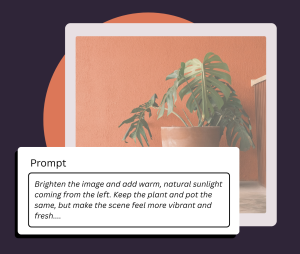
Edit images instantly using simple text prompts. Change styles, objects, lighting, or mood in seconds.

Prompt-Based Transformations

Describe what you want to see — from seasonal updates to complete visual reimagining — and let AI do the work.

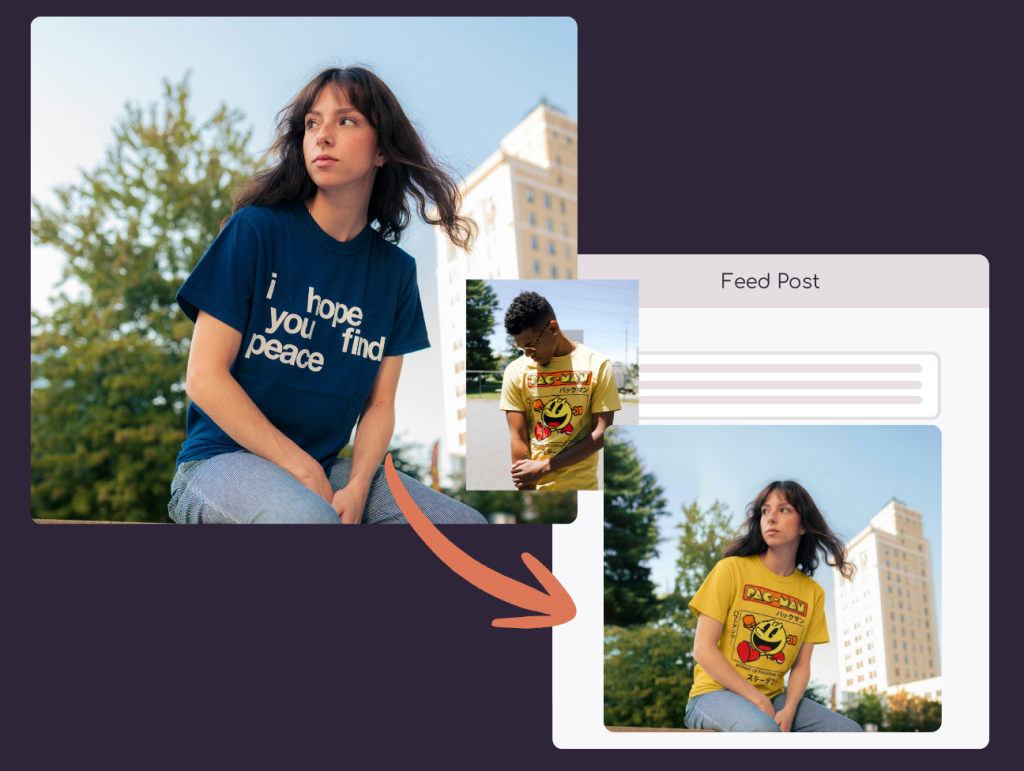
Reference Photo Modeling

Upload a product and a person to realistically place items like apparel onto different models.

Image-to-Video Generation

Turn any static image into an engaging video with Tufa’s AI-powered editing.

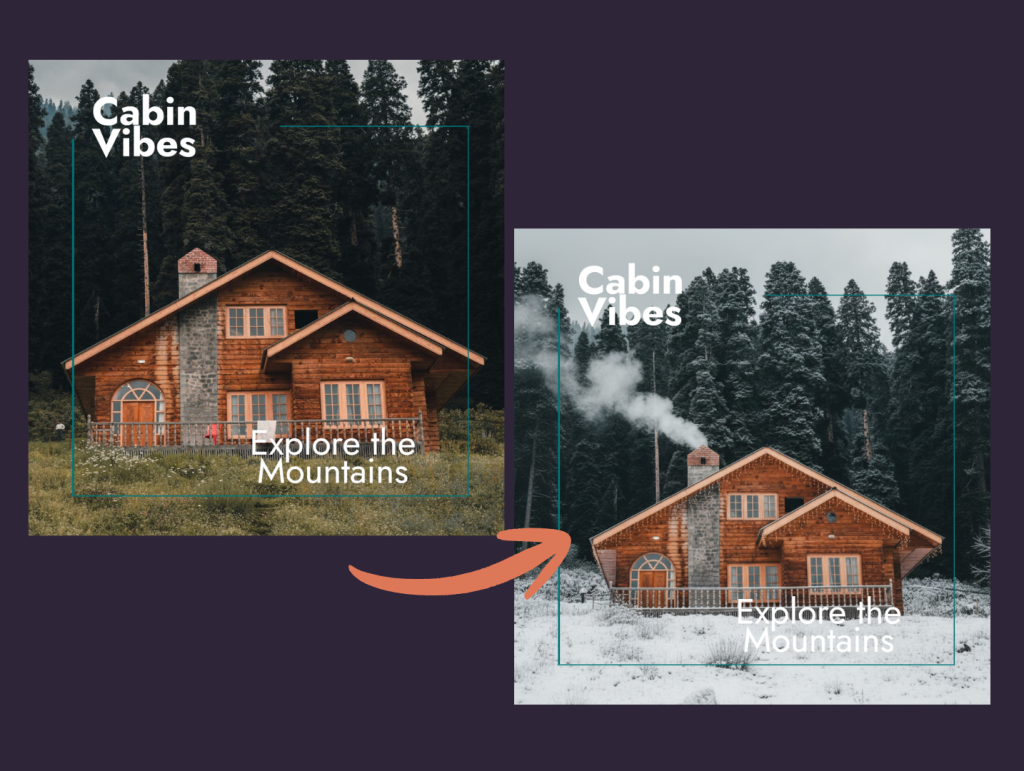
Style & Scene Changes

Transform backgrounds, seasons, environments, or aesthetics without recreating the entire design.

Fast Variations at Scale

Generate multiple creative versions quickly for ads, social, product pages, or campaigns.

 Simply enter your website and we’ll curate posts to fit your brand. No website? No problem. Just tell us about your business and we’ll do the rest.

Enter your website to get branded posts instantly

How AI Image Editing Works

Upload your Image

Start with any image your want to edit or animate

Add a Prompt or Reference

Tell the AI what to do: describe the changes you want or upload a reference photo to guide the edit.

Preview & Refine

See your updated image or video instantly. Make tweaks until it’s just right. 

Add a Template & Share

Use your images & videos directly in posts and campaigns.

Why Use AI Image Editing?

With AI editing built directly into Tufa’s Editor, you can transform images and generate video content in minutes with no design experience required. Whether you’re refreshing a product photo, testing new creative directions, or producing content at scale, AI gives you speed without sacrificing quality.

  • ✨ Faster Creative Production – Make complex edits and generate variations in seconds instead of hours.

  • 🎨 Creative Flexibility – Use simple prompts or reference photos to explore new styles, moods, and settings.

  • 📸 No Photoshoots Needed – Visualize products on different models or in new environments instantly.

  • 🎥 Turn Images into Motion – Convert static visuals into engaging videos for social, ads, and campaigns.

  • 🔁 Scale Content Effortlessly – Create multiple versions for different audiences, platforms, or seasons.

  • 🚀 All in One Editor – No need for additional tools — everything works seamlessly inside Tufa.

Got Questions? We have answers.

Yep! Upload any photo and describe what you want the AI to change or enhance.

By using prompts that describe motion or change, AI animates your image into a video format. 

Upload the image you’d like to edit. Then you can upload 3+ reference photos to guide the redesign. Use prompts to guide the AI further. Example: “Replace the blue t shirt with the red shirt as shown in the reference photo”. 

Supported Platform Integrations